A serial response is not yet a sale quantity.
The scale integration must understand what a frame means before the POS can use its value.
The physical connection, serial parameters, response format, unit, decimal placement, and stability indication all affect interpretation. An incomplete response cannot safely be treated as a complete weight. A value from a previous product cannot silently become the next item’s quantity.
Can we communicate?
Device identity, USB or serial path, baud rate, command timing, and reconnect behavior.
What did it report?
Frame structure, units, scale precision, stable / unstable state, and error responses.
Where does it belong?
The selected item, price per unit, quantity, and a deliberate transition to the next item.
The Magellan work used a captured pcAmerica / Metrologic MS2020-compatible protocol and was reported working on VayaOS. CAS PD-series work used the device’s configured protocol. These are specific integrations, not evidence that every scale speaking over a similar cable behaves the same way.
Status belongs to a tested configuration.
The table separates reported field checks from existing adapters and pending VayaOS validation. It is a snapshot of the September 2026 engineering record, not a universal compatibility certificate.
| Device / family | Evidence or implementation | Status |
|---|---|---|
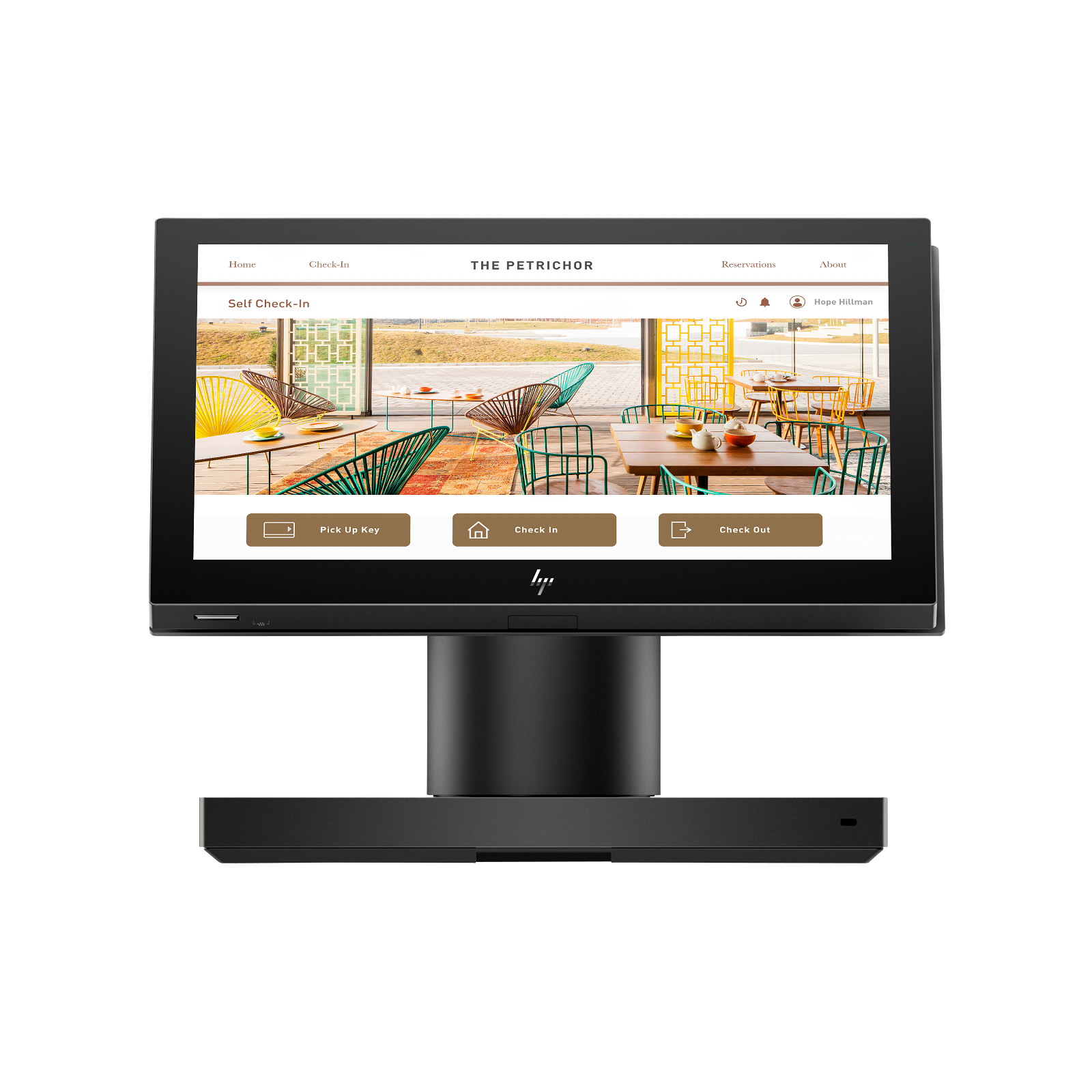
| HP Engage One Essential | VayaOS kiosk, touch, and customer-display work on physical systems | Current register platform |
| PAX payment terminals | Successful payments reported on both Linux/VayaOS and Windows; transport and processor profile still matter | Reported field-tested |
| SAM4S GIANT-100 | Receipt printing reported working on Linux/VayaOS | Reported field-tested |
| Magellan / MS2020-compatible scanner-scale | Captured pcAmerica-compatible protocol reported working on VayaOS | Reported field-tested |
| CAS PD-II / PD-1 | Existing integration; Type 4 use reported during development | Validate exact VayaOS configuration |
| NCR 7878 | Physical serial integration discussed; VayaOS hardware testing remained planned | VayaOS validation pending |
| Zebra MP7001 | Windows CoreScanner bridge is a distinct dependency; Linux path needs validation | VayaOS validation pending |
| Honeywell short weight response | Short command-14 response remains in release limitations | Open engineering issue |
Only HP Engage computing products are used in the register imagery on this site. Third-party peripheral names identify their specific integrations and do not imply a manufacturer certification or partnership.
Two screens require two deliberate roles.
The cashier display and the customer display have different jobs. Extending the desktop is only the first step: touch coordinates must stay mapped to the cashier panel, and the customer-facing application needs its own output and browser context.
HP Engage work has included verifying connected display outputs, selecting the correct USB-C display path, mapping the ILITEK touchscreen, and making a successful manual launch persist across boot. Detecting a display does not, by itself, establish that touch input or kiosk window placement is correct.
Acceptance should include a restart with both displays connected and a review of reconnect behavior. The exact HP model, cable, stand, and port are part of the configuration.
The receipt path has its own state.
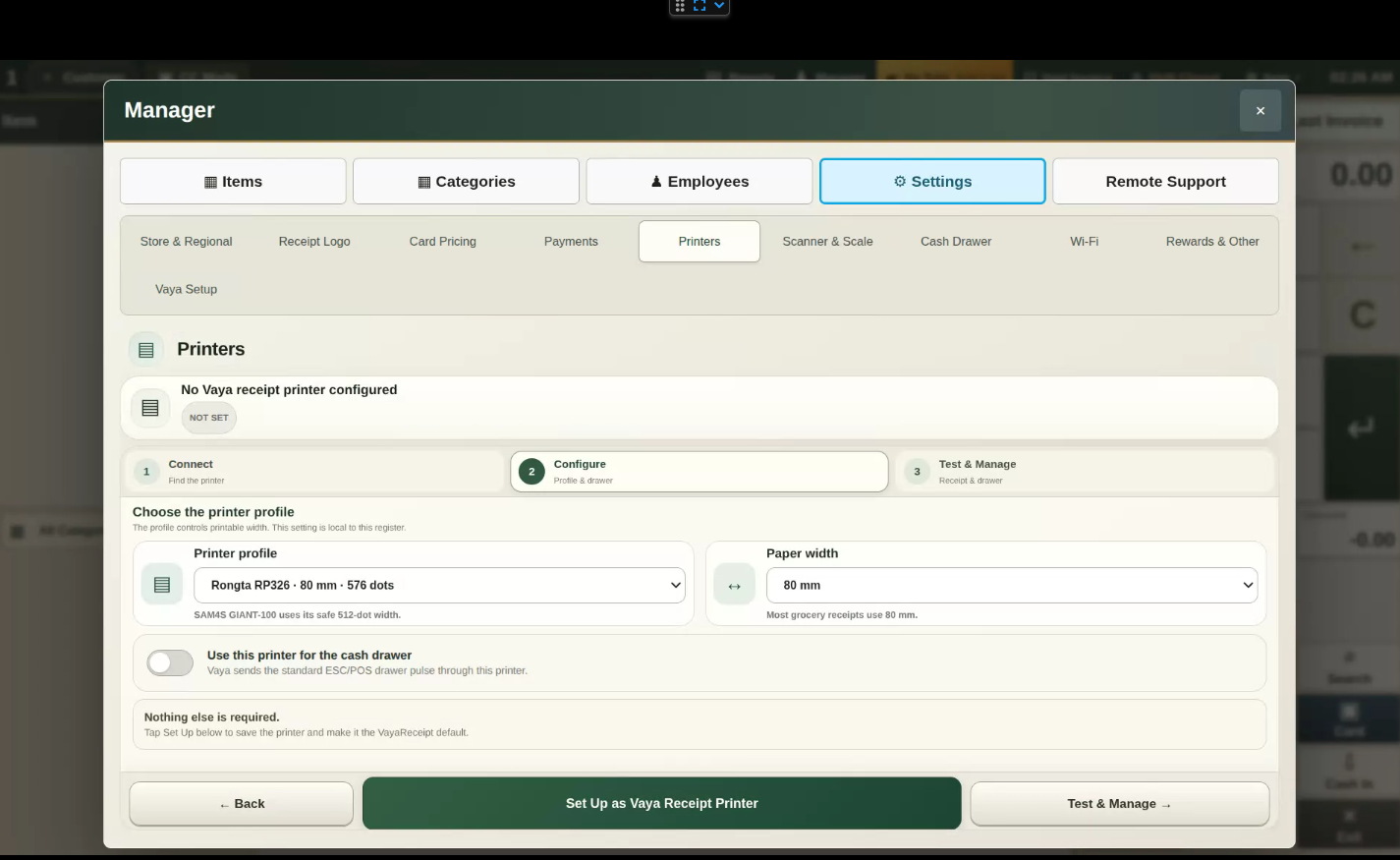
VayaOS printer setup separates Connect, Configure, and Test & Manage. The manager can inspect the selected profile, paper width, and printer-driven drawer setting inside the appliance. Configuration and verified physical output remain distinct states.
The connection may be a Linux/CUPS USB device URI or a network printer endpoint. A printer profile defines output expectations such as paper width and raster dots. Receipt testing must also verify that the cashier receives the receipt for the intended transaction.
 Inspect screen
 Cash drawer operation depends on the installed connection: a printer-driven kick port and an HP stand’s USB drawer interface are different device paths. Detecting a USB identifier does not establish that its open command has been implemented and tested.
Test the complete lane.
Identify the exact configuration.
Record the HP model, device model, firmware / payment application, cable, port, and selected protocol.
Test ordinary work.
Scan successive items, read known weights, print the correct receipt, and complete permitted payment test cases.
Test interruptions.
Check boot, disconnect, reconnect, cancel, timeout, and recovery on the installed release.
Keep the evidence with the release.
A later bridge, runtime, or image change can alter behavior. Repeat the affected physical checks.